SilkShutter · by Extrosy

Long exposure.
No tripod. No filters.
Just your phone.

SilkShutter stacks hundreds of aligned frames into a single photograph — silky waterfalls, light trails, vanished crowds — steadied against your handshake, frame by frame, entirely on your phone.

COMING SOON TO GOOGLE PLAY Android 10+ · works fully offline
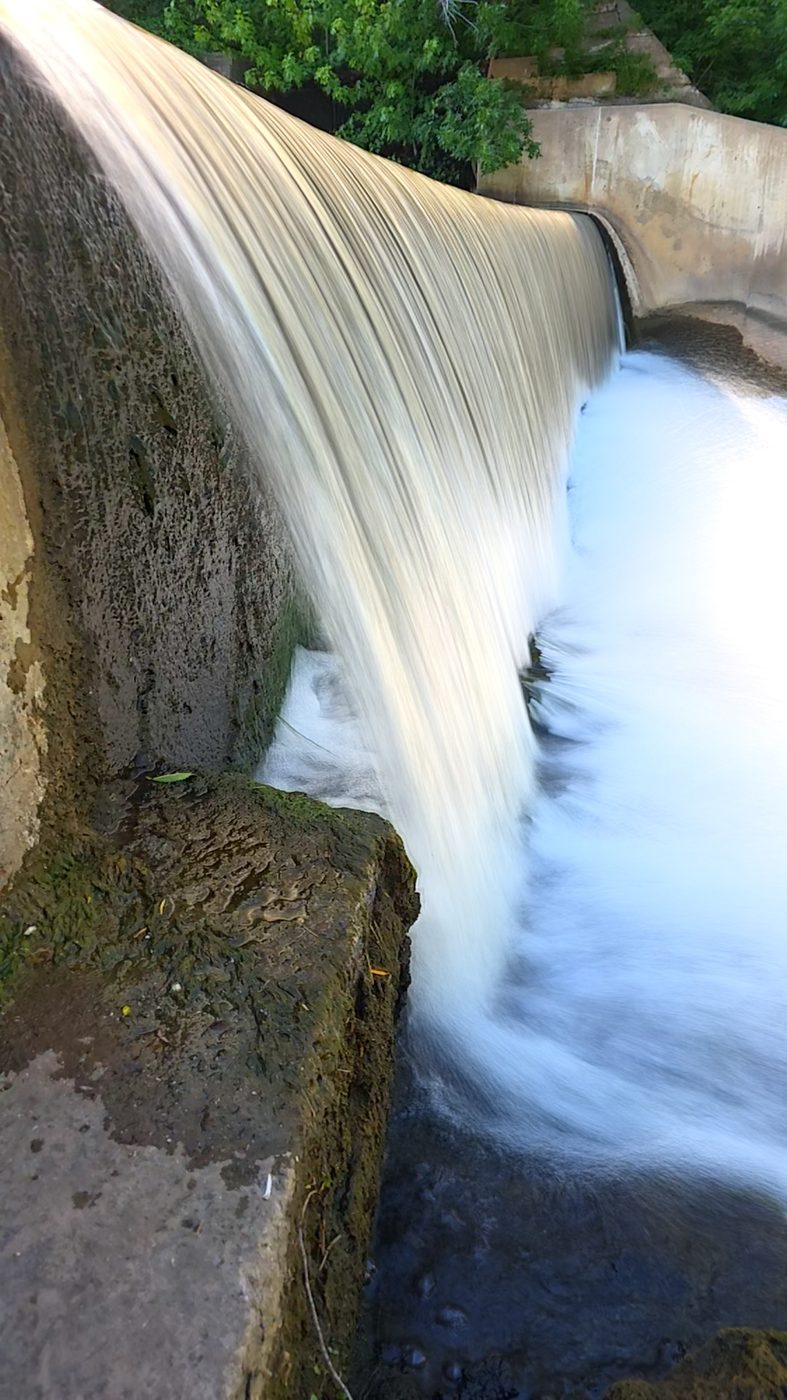
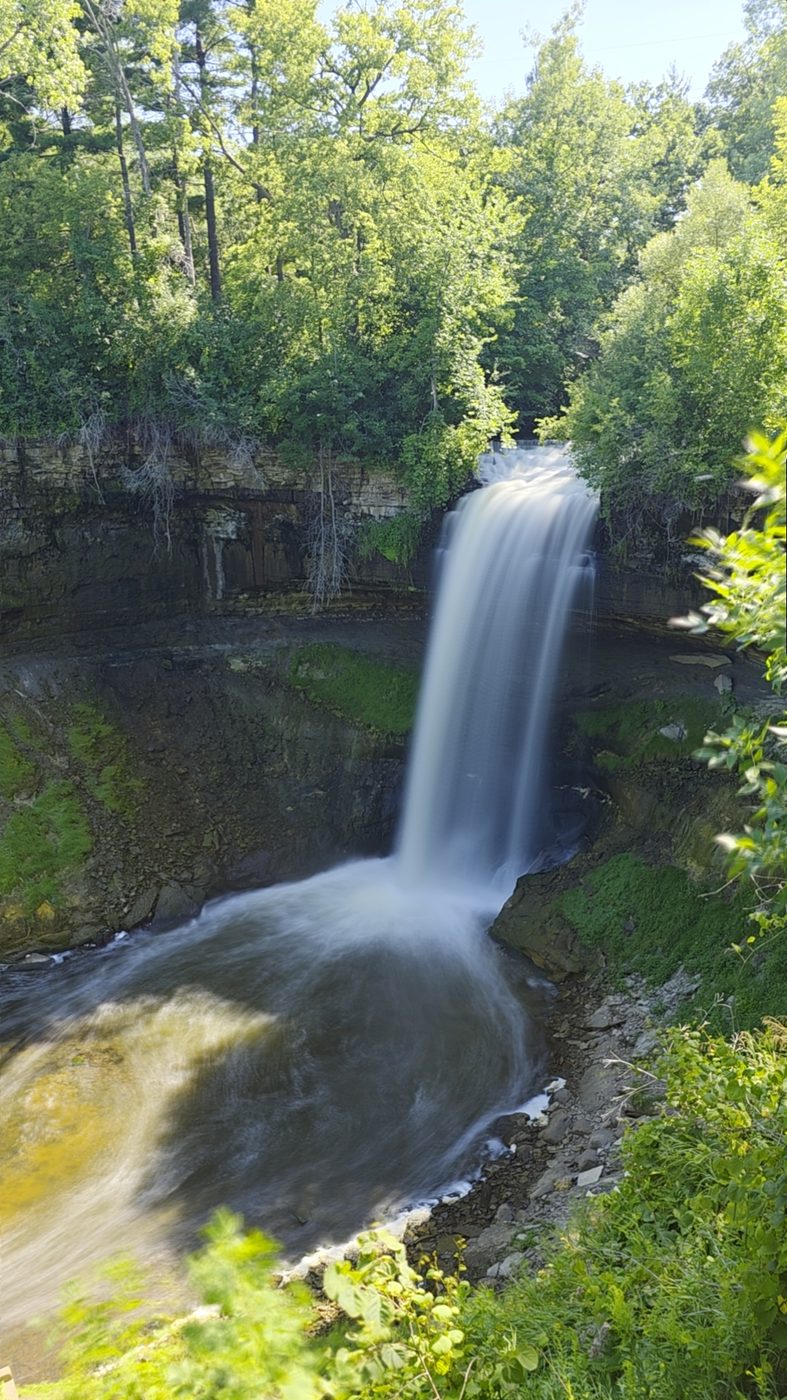
Waterfall pouring over a limestone ledge into a pool, water rendered as silky white veils
Handheld. Shot standing at the railing — no tripod, no ND glass.

How it works

One exposure, built from hundreds of frames

A traditional long exposure holds the shutter open — which means a tripod, an ND filter, and one chance to get it right. SilkShutter instead records a stream of short, sharp frames and registers every frame to the scene before blending, so the static world stays tack-sharp while motion melts.

01 / CAPTURE

Live or imported

Point and hold for seconds or minutes — or import any video you've already shot and turn it into a long exposure after the fact.

02 / ALIGN

Steadied per frame

Two alignment engines — an anchor-tracking mode and a dedicated no-anchor mode built for scenes that are mostly moving water — cancel your handshake frame by frame.

03 / STACK

Blended on the GPU

Frames accumulate in all blend modes at once, live while you shoot — so you can switch the look before, during, or after the exposure.

Blend modes

Five ways to melt time

AVERAGE

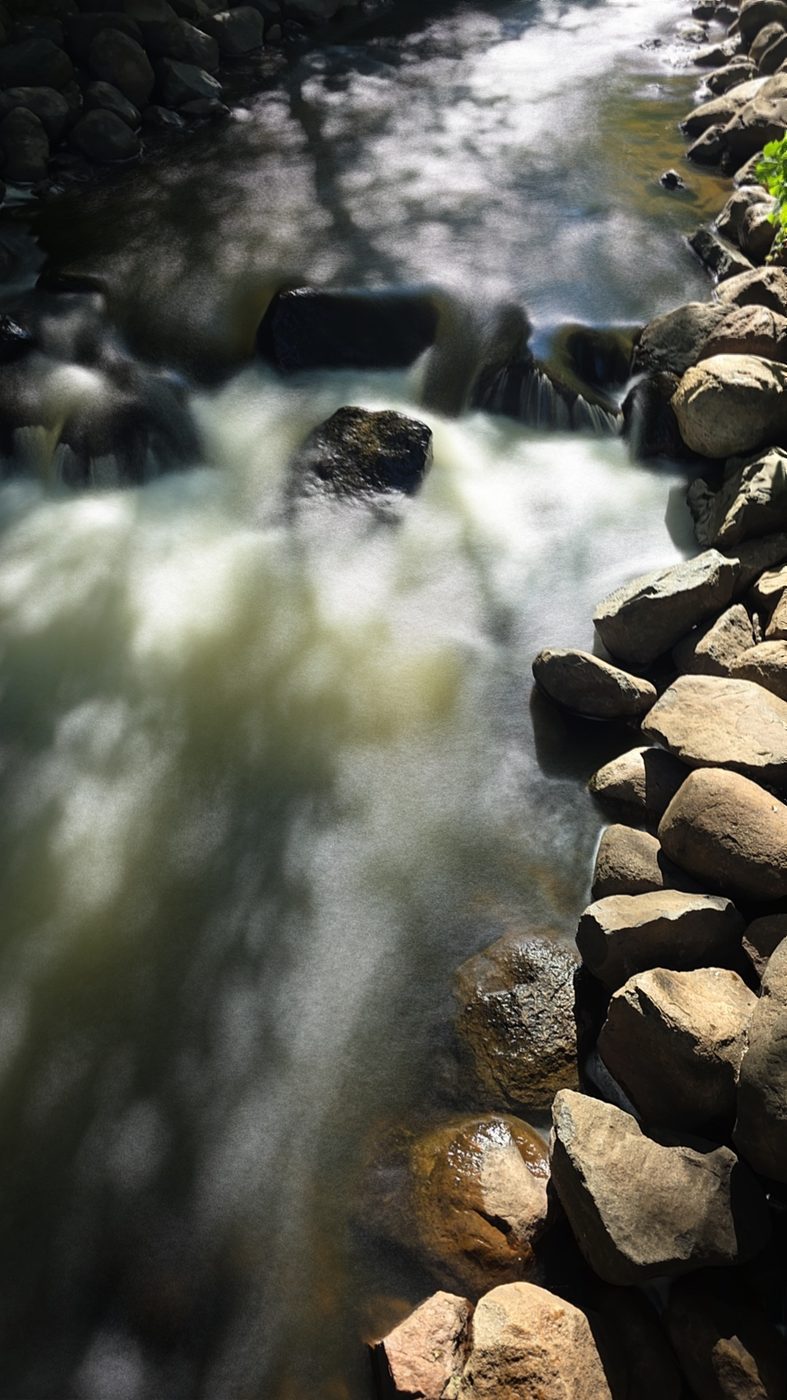
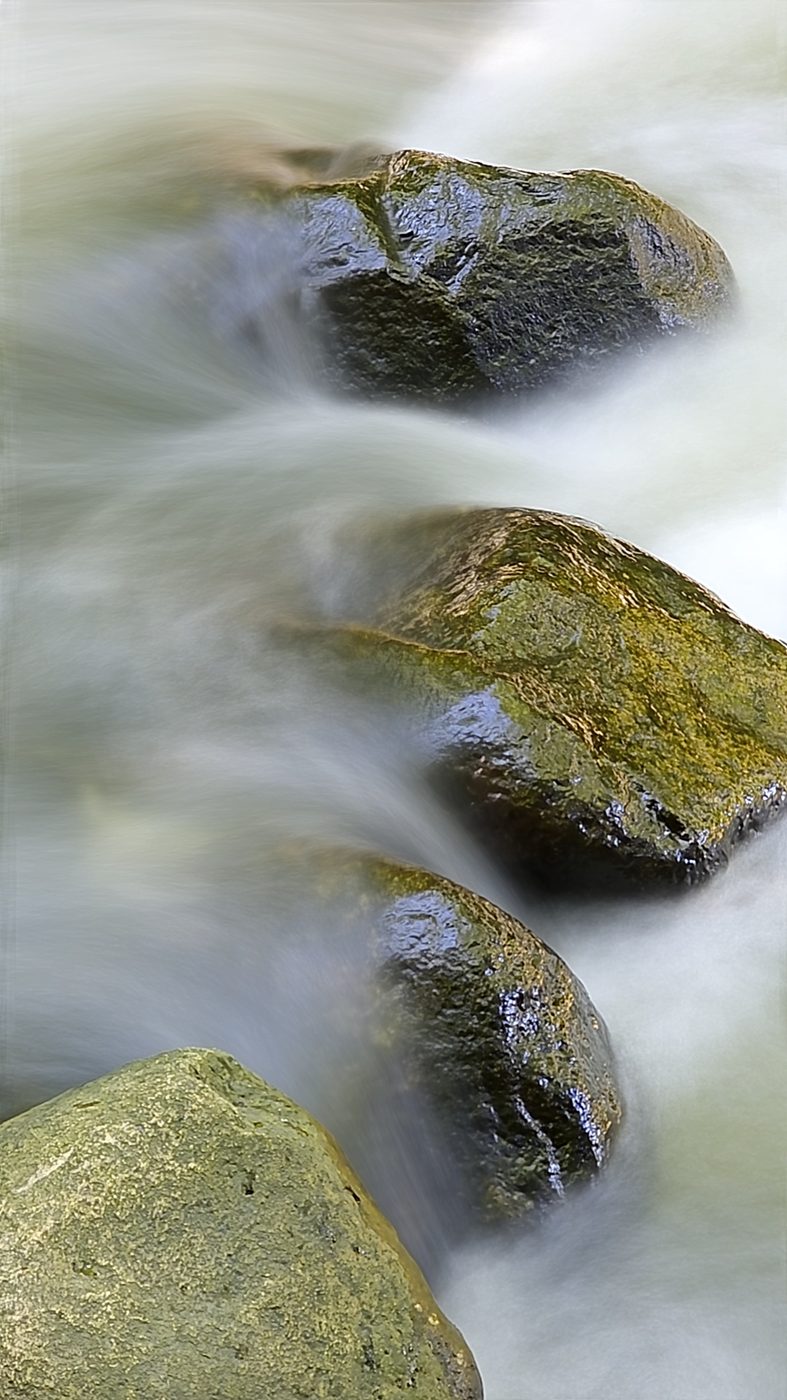
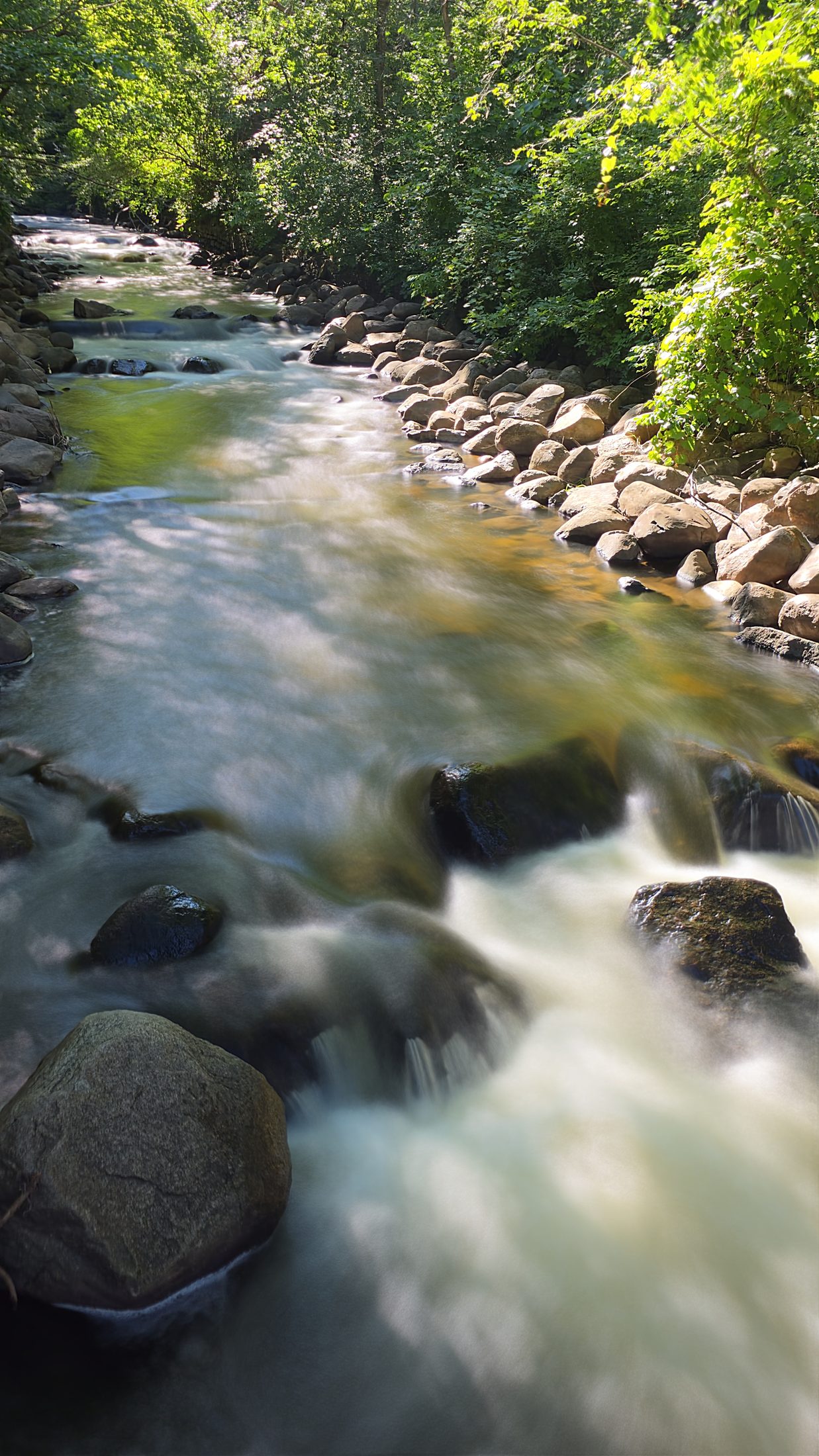
The classic ND-filter look — silky water, softened clouds, crowds fading to ghosts.

SUM

Light accumulates with an adjustable gain — a virtual aperture for night scenes.

LIGHTEN

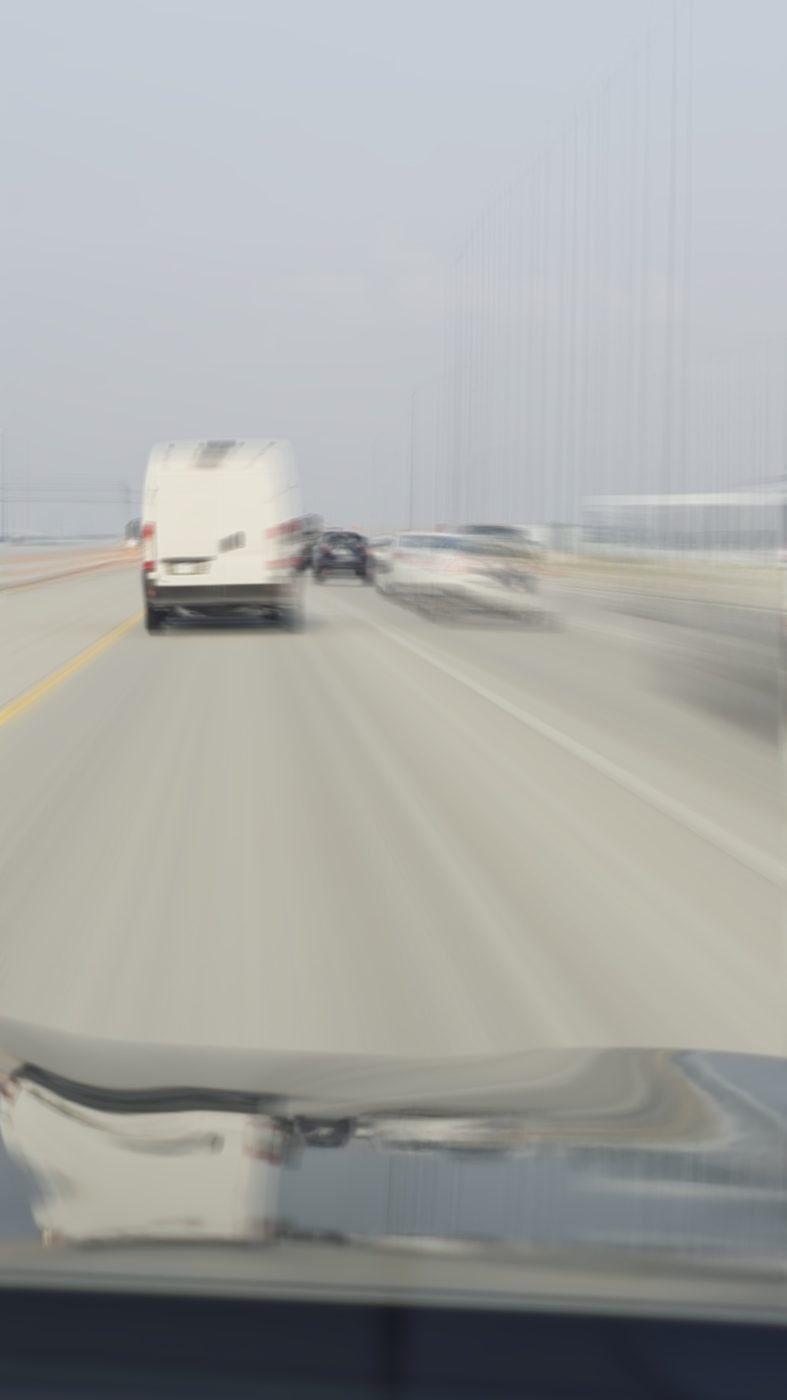
Keeps the brightest pixel — light trails, star trails, fireworks.

DARKEN

Keeps the darkest pixel — erase bright moving objects from a scene.

TRAILS

Average plus an adjustable highlight streak — comet-tail motion.

Features

A real camera instrument, not a filter app

No tripod needed

Per-frame registration keeps static detail sharp while motion blurs — shoot leaning on a railing or standing freehand.

Turn any video into a long exposure

Import a clip, trim it, pick an alignment mode and output size, done. Hardware-accelerated decode handles big files fast.

Up to 8K output

Import stacks render at up to 7680×4320 (Pro) with a fully GPU-resident pipeline — pixel-peep at 1:1.

Paint-mask compositor

Painted a subject that should stay frozen? Brush or magic-wand it and that region comes from a single sharpest frame instead of the blur.

Camera-body dials

Settings ride on draggable rulers with haptic detents — exposure, timer, zoom, and full manual optical exposure with real ISO and shutter stops.

Every lens

Ultra-wide to tele to front camera — each lens is a first-class citizen in the zoom row.

Finish in-app

Sharpen, film-style filters, and pinch-zoom review before saving a full-quality JPEG with proper camera EXIF (GPS optional, off by default).

Private by design

No account, no network, no analytics. Photos go to your gallery and nowhere else — the app works in airplane mode.
Editions

Free to shoot. Pro to go huge.

SilkShutter

  • All blend modes & both alignment engines
  • Live capture and video import
  • Paint-mask, filters, sharpen
  • 720p & 1080p output

SilkShutter Pro

  • Everything in the free edition
  • 4K output — live and import
  • 8K output from imported video